TV channel · KinshasaLive
Innov TV
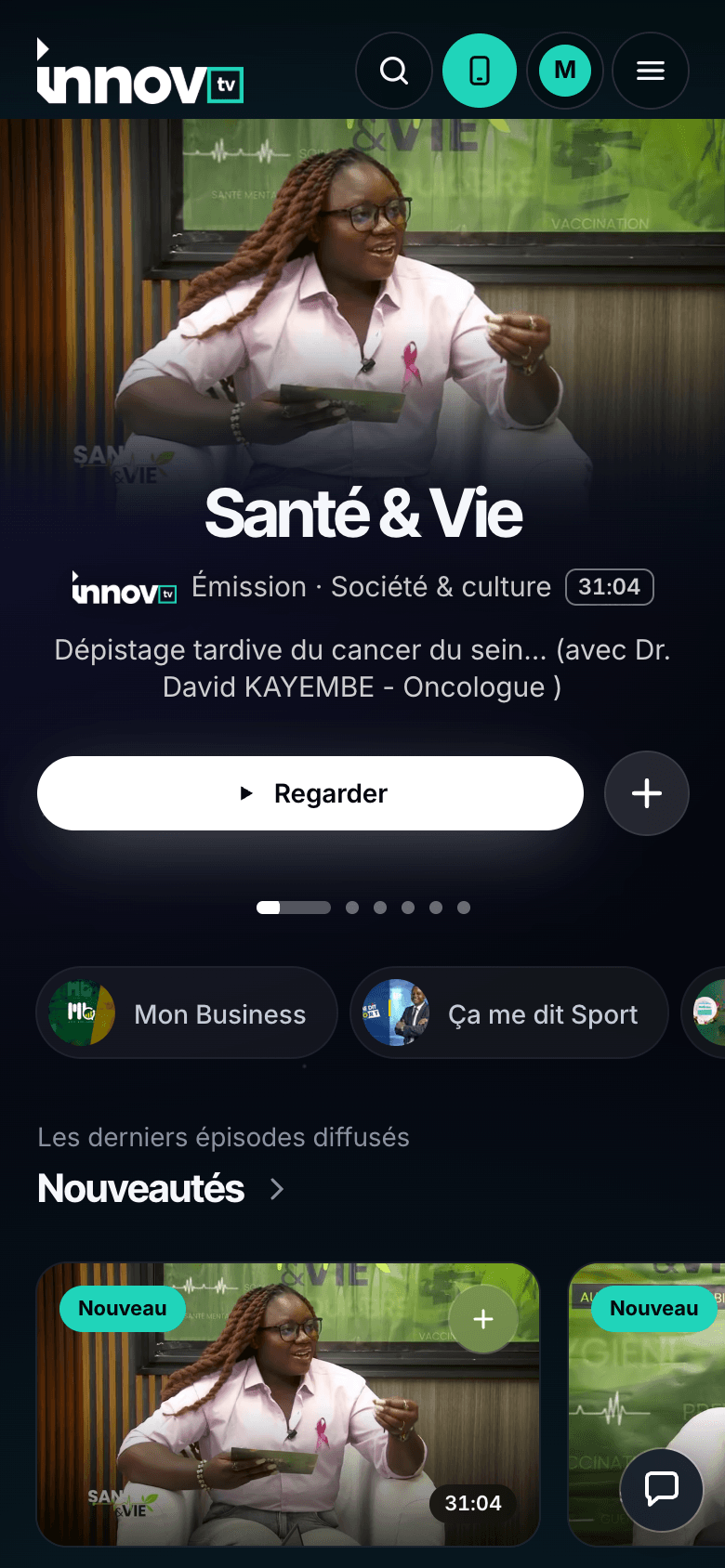
A TV channel’s website: show replays, live stream, TV schedule, and an advertiser space connected to the CRM.
Visit the site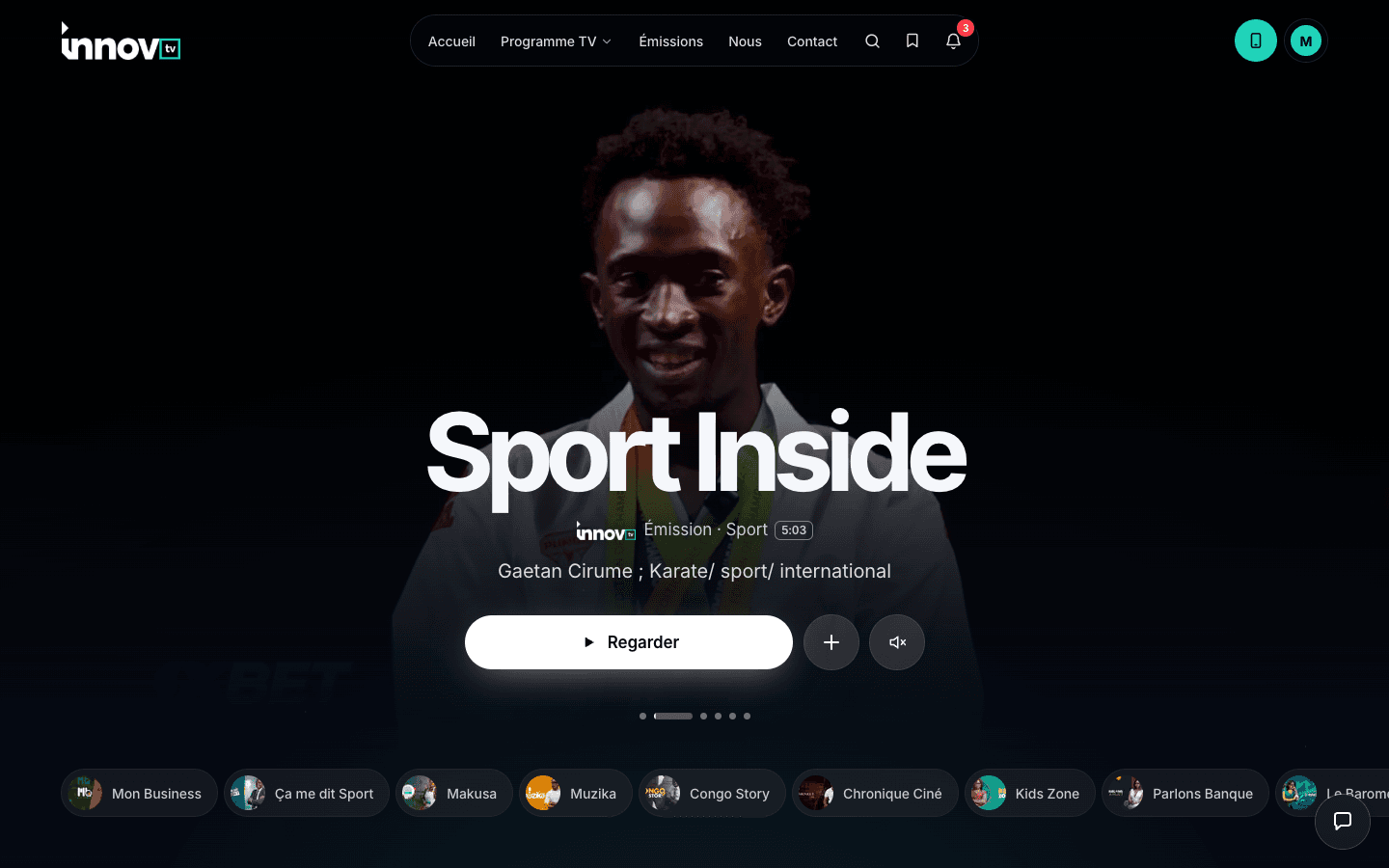
Where they started
Shows lived on YouTube, and advertiser requests came in by phone and WhatsApp, with no follow-up.
What we built
A streaming-style website that pulls the channel’s videos automatically, and a business space where every request enters the CRM with an alert to the sales team.
What we delivered
- Website
- CRM
- Automations
- Control Data
Features
- Show replays, imported from YouTube
- Live stream and video player
- TV schedule
- Advertiser space and rates
- Requests in the CRM, team alert
The project
How the project went
From the first demo to going live, step by step.
15 November
Audit and first demo
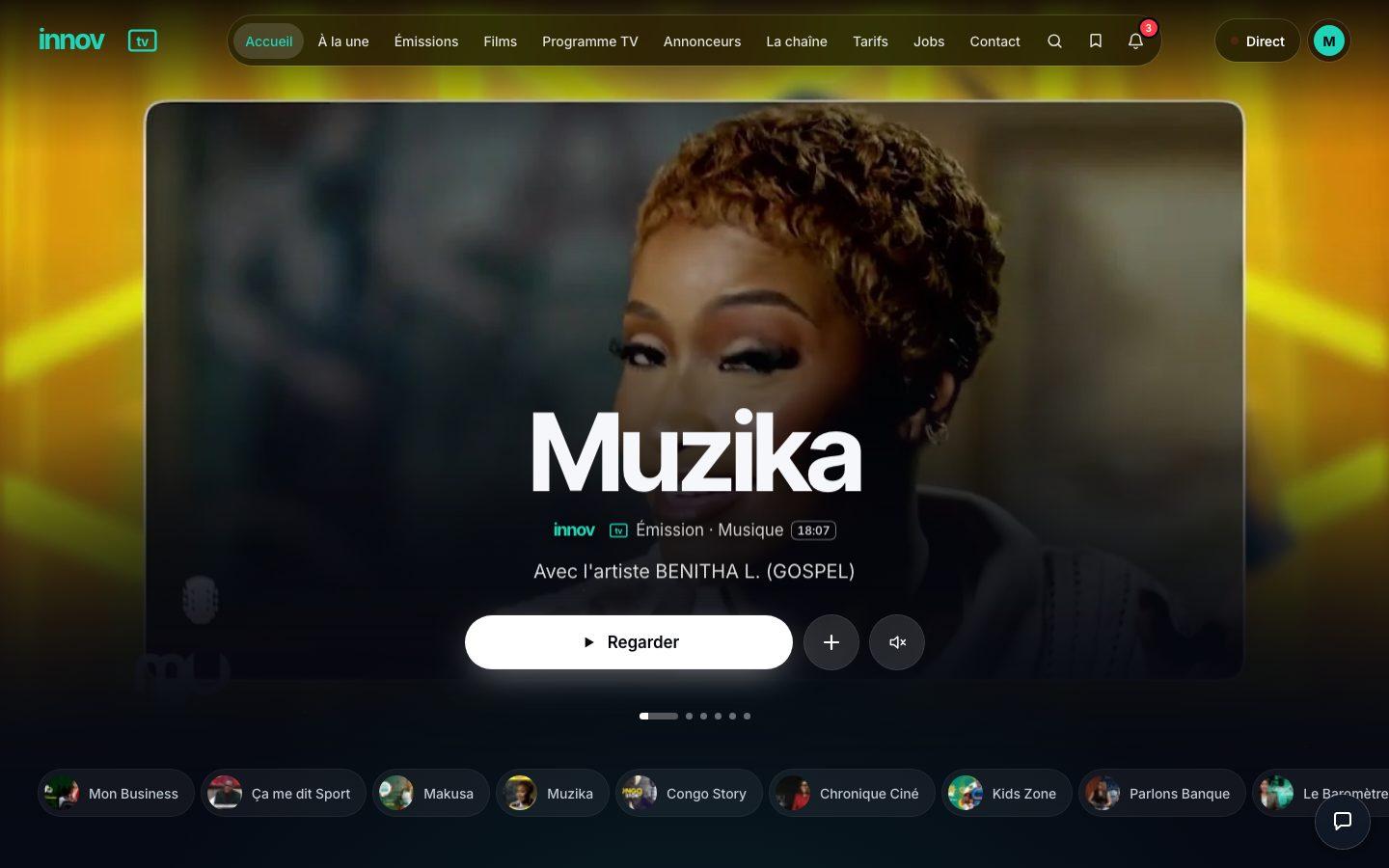
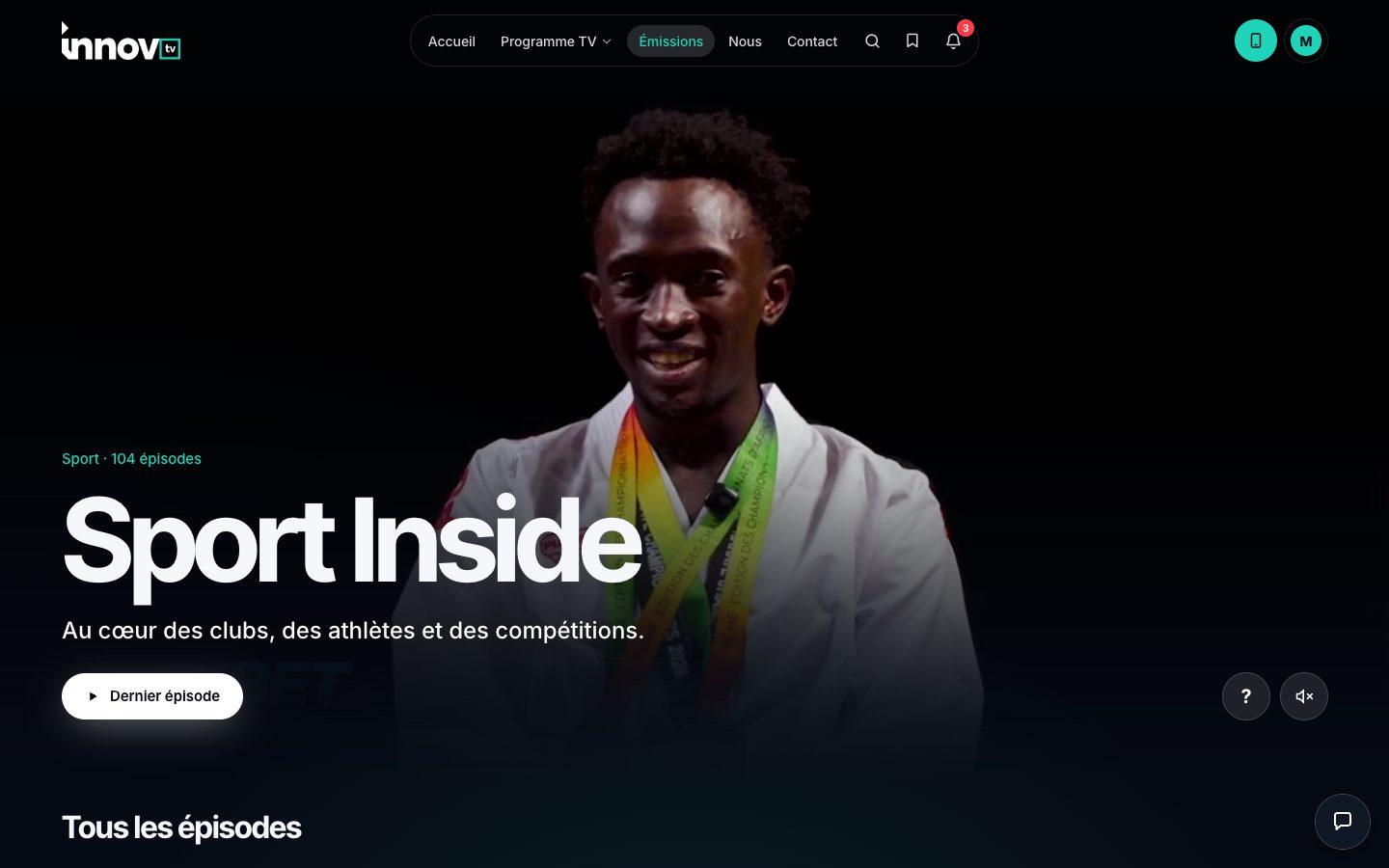
We showed a first version to the channel’s management: shows, films, a “Featured” section, an advertiser space. Management chose what stays and what goes.
17 to 21 November
The adjustments
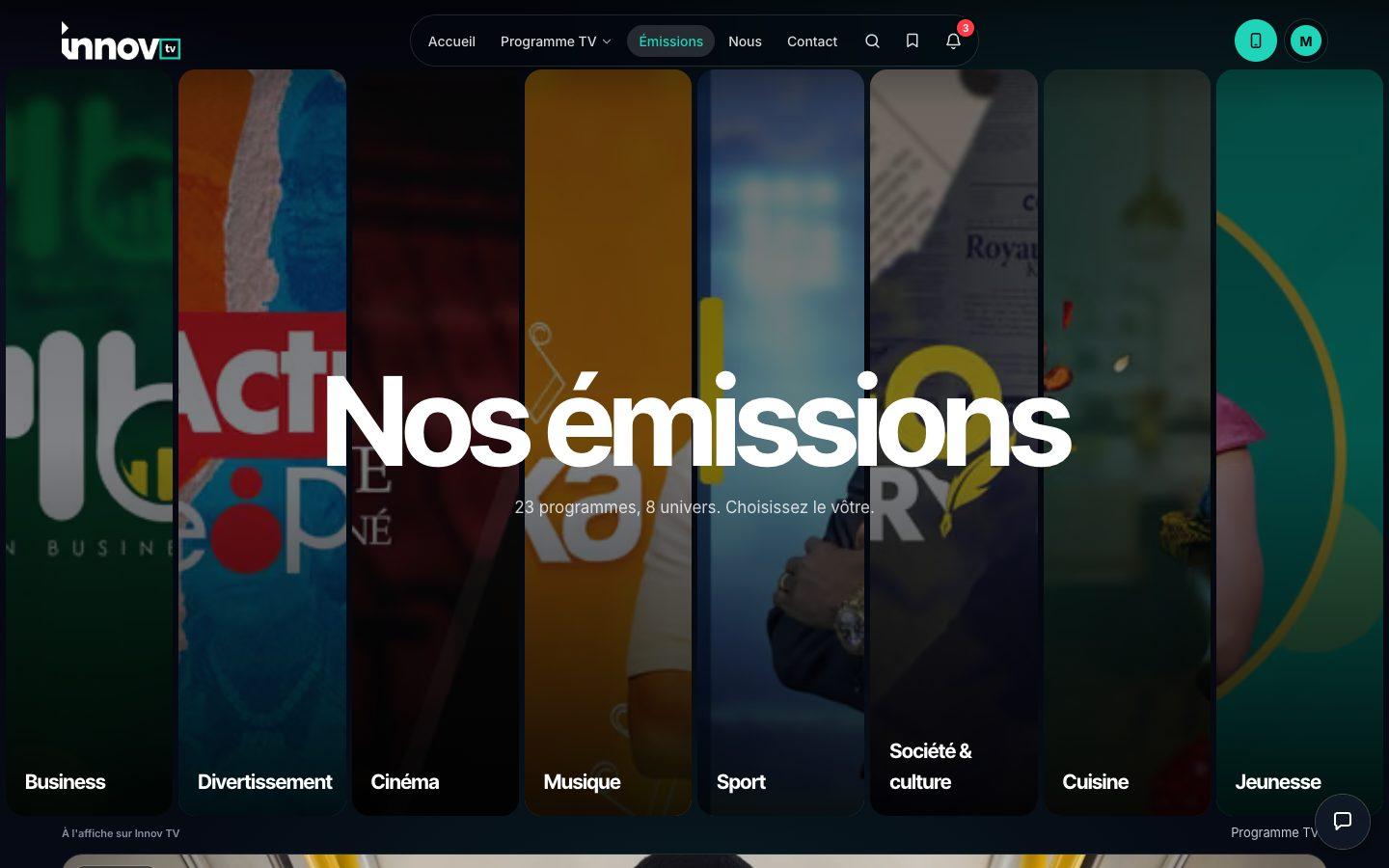
Films and sections removed, one page per show with all its episodes, the TV schedule rebuilt from the channel’s own.
21 November
The CRM and the automation
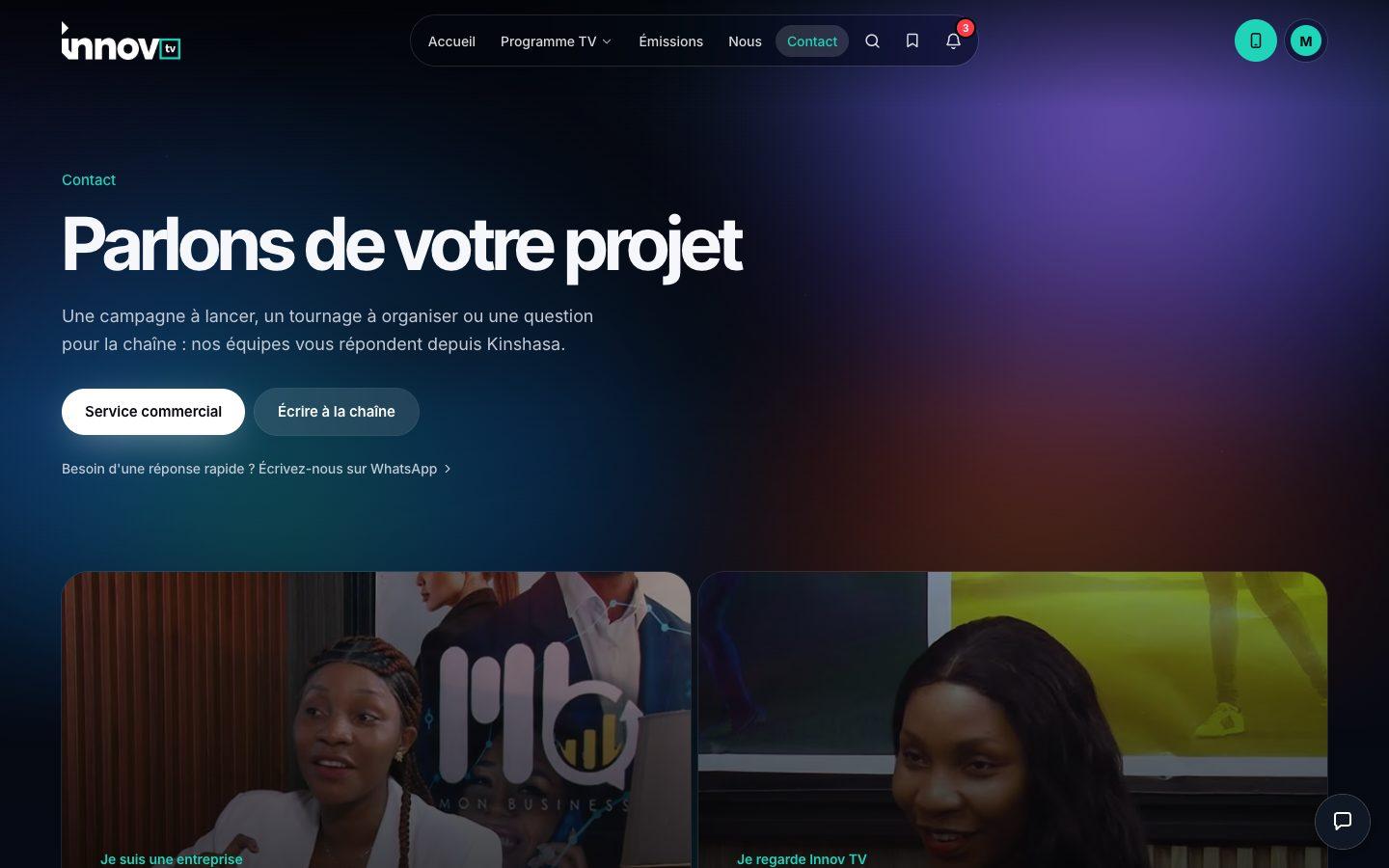
The sales team form is connected to the CRM: every request lands there and triggers the automation shown below.
24 November
Live on innovtv.com
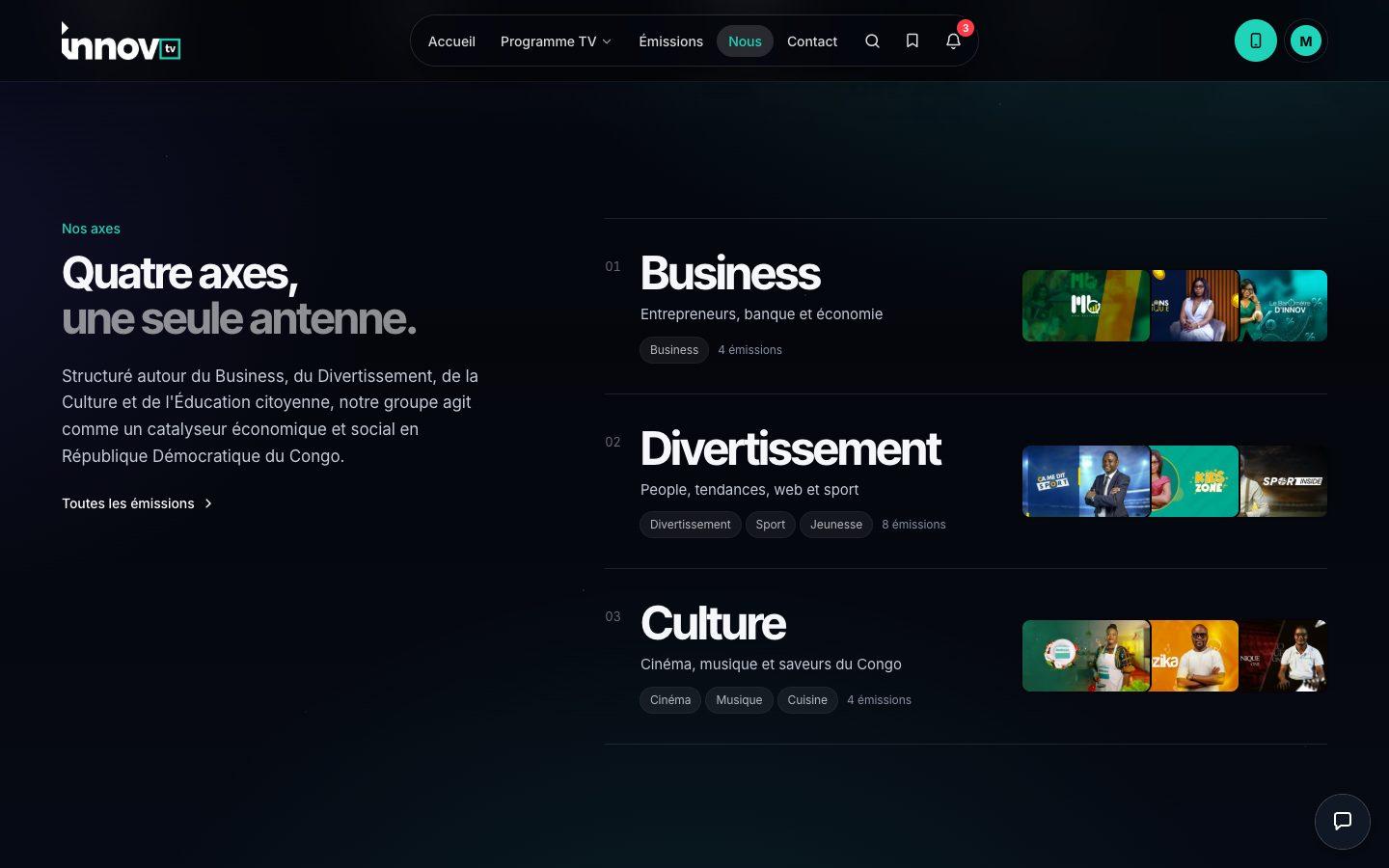
The website moves to the channel’s own domain. Control Data watches it from day one, and each new version is announced to the team.
Automation
How we built the automation
A trigger, checks, actions: the BC OS rule we plugged into the website.
Trigger
A request comes in
An advertiser fills in the website’s “Sales team” form.
Checks
- Honeypot field and minimum delay against bots
- At most 5 submissions per visitor in 10 minutes
- Consent recorded with the request
Actions
- 1The contact is created in the CRM, with the page it came from
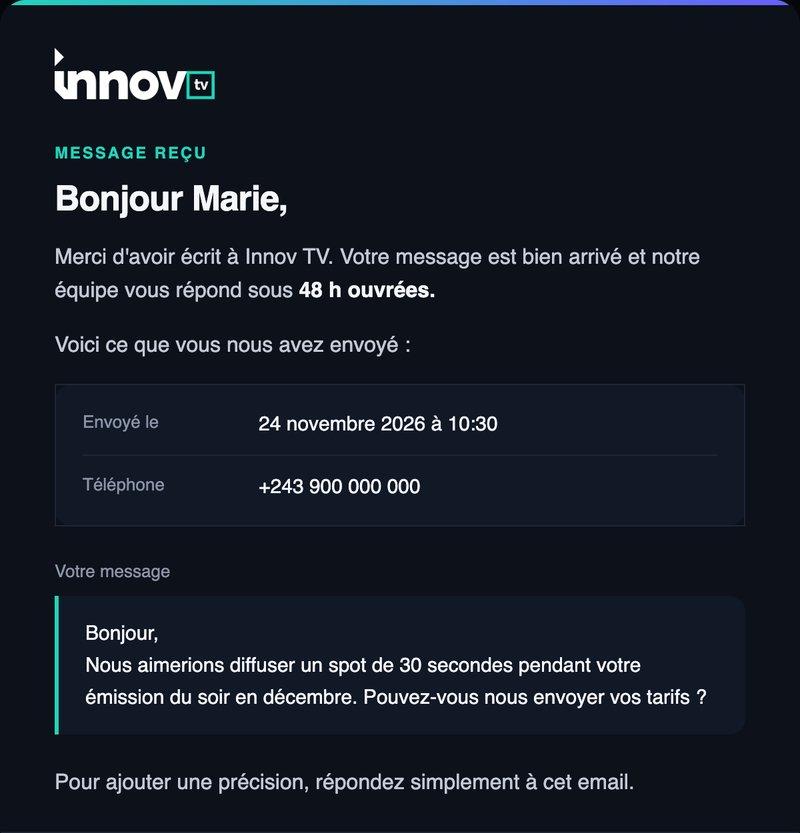
- 2The visitor gets a confirmation: reply within 48 business hours
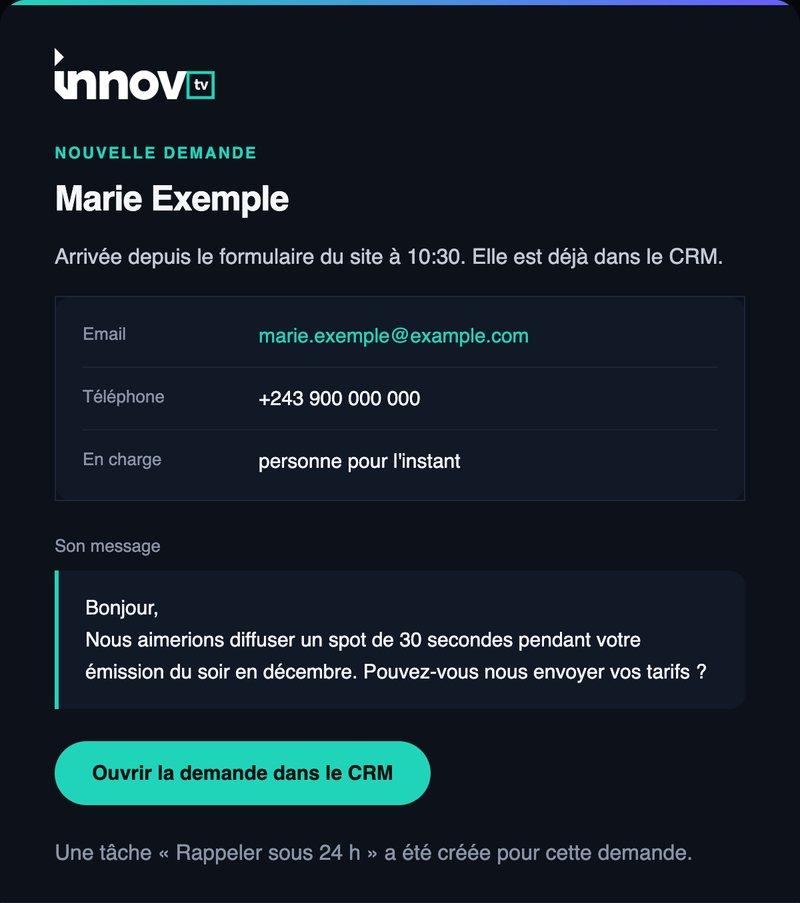
- 3The team gets an alert with a link to the request
- 4A “Call back within 24 h” task is created
The two emails it sends
Sample request, with a fictitious contact.
Let’s talk about your system.
Describe your project in a few minutes. We get back to you for a 30-minute discovery call.
or write to hello@backstackos.app